
 Blog
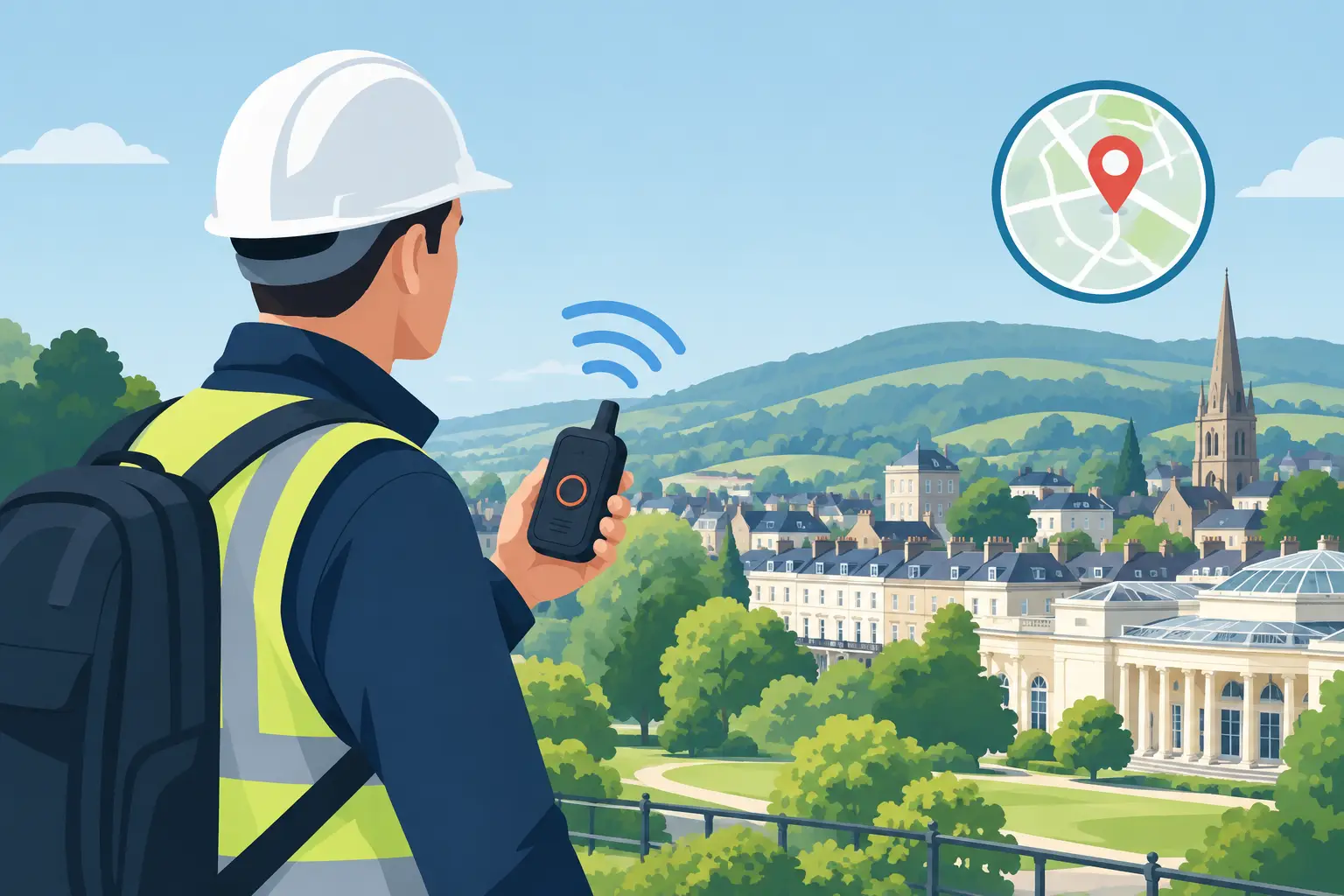
BlogA warehouse employee locking up after dark, a housing officer visiting a tenant alone, or an engineer attending an unmanned site all face a similar problem: if something goes wrong, who knows where they are and how quickly can help be arranged? GSM lone working devices in Cheltenham and Gloucestershire give employers and site operators a practical way to maintain contact with people working away from colleagues.
A lone-worker device is not simply a mobile phone with an emergency number saved in it. It is a purpose-designed personal safety tool that can raise an alarm, share a location, and provide a clear record of an incident when used as part of a considered safety procedure. For businesses across Cheltenham, Gloucester, Tewkesbury, and rural Gloucestershire, the right setup can provide reassurance without making staff feel watched or burdened by complicated equipment.
What GSM Lone Working Devices Do
GSM devices use the cellular network to communicate. Depending on the model and service arrangement, a worker can activate an SOS alarm by pressing a dedicated button, pulling a lanyard, or using a discreet activation method. The device can then send an alert to nominated contacts, an alarm receiving center, or both.
Most professional units also use GPS, Wi-Fi, and cellular location data to establish where the person is. This matters when a staff member is working at a large industrial estate, traveling between properties, or visiting a remote location where an address alone may not be enough to direct assistance.
Features vary, but the most useful devices are usually simple enough to operate under pressure. They may include two-way voice communication, automatic man-down detection, timed check-ins, low-battery notifications, and location updates. A worker should not have to unlock a screen, open an app, and explain their situation before an alert can be raised.
That said, no device guarantees coverage in every setting. Cellular signal can be limited in basements, remote valleys, plant rooms, and buildings with dense construction. Before choosing a solution, it is sensible to consider the networks available at the locations your team actually uses, rather than relying on a coverage map alone.
Where Lone Workers Need Extra Protection
Lone working is not restricted to a single industry. A person may be working alone because they are the first to arrive, the last to leave, covering an out-of-hours shift, traveling between customer sites, or carrying out a task beyond normal operating hours.
In Gloucestershire, this often includes maintenance engineers, security personnel, estate and facilities teams, utility contractors, cleaners, care staff, property managers, delivery personnel, and staff working in retail or hospitality after closing. Healthcare and supported-living settings can also present situations where an employee is alone with a patient or visitor and needs a quick, discreet route to call for help.
The level of risk depends on the work, location, time of day, and person involved. An office employee working late in a secure building may need a different arrangement from a technician visiting isolated plant rooms or a housing officer carrying out home visits. A standard device package is rarely the best answer without first looking at those differences.
Choosing GSM Lone Working Devices in Cheltenham and Gloucestershire
Start with the risk assessment, not the device catalog. Identify who works alone, where they go, what risks they could encounter, and what should happen after an alert is raised. This creates a clearer brief for the equipment and the response process.
For example, a lone cleaner in a school may benefit from a simple wearable panic button linked to designated managers. A field engineer traveling throughout the county may need GPS location, timed welfare checks, and two-way voice. Staff who could face confrontation may require a discreet alarm function that does not escalate a situation.
The response route is just as important as the hardware. An alert sent to a manager who is unavailable, asleep, or unsure how to respond does not provide meaningful protection. Employers should decide who receives alerts, who can view locations, when emergency services should be contacted, and how an incident is recorded and reviewed.
Wearables, handsets, and smartphone options
Wearable devices are often the easiest choice for workers who need their hands free. They can be worn on a lanyard, belt, wrist, or keyring, depending on the model. Their strength is immediate access to an emergency button, though they still need regular charging and staff must be comfortable wearing them consistently.
Dedicated handsets can offer a larger screen, clearer audio, and additional features for workers who travel frequently. They may be suitable for engineers, mobile supervisors, and property teams, but their size can make them less discreet than a wearable.
Smartphone-based applications can be cost-effective where staff already carry compatible work phones. However, an app depends on the phone being charged, carried, unlocked when needed, and able to receive a signal. For higher-risk work, many organizations prefer a dedicated device as a dependable first line of protection rather than relying entirely on personal phone habits.
Integrating Lone-Worker Safety With Site Security
A GSM lone-worker system works best when it supports wider site security. Controlled access, CCTV, intruder alarms, intercoms, and well-designed lighting all help reduce the situations in which a person is placed at risk in the first place.
Consider a facilities manager attending a commercial property out of hours. Access control can show who is authorized to enter, CCTV can provide visibility around entrances and parking areas, and a lone-worker device gives the employee a direct way to raise an alarm if they feel unsafe. Each system has a separate role, but together they create better awareness and a more organized response.
At residential developments, care sites, retail units, and industrial premises, it is also worth reviewing how staff enter and leave the property. A poorly lit rear entrance, an isolated parking area, or an unreliable intercom can create avoidable risk. Physical security improvements and personal safety devices should be considered together, particularly where employees regularly work alone after hours.
JP Security approaches security around the practical needs of the property and people using it. With 37 years of experience across alarms, CCTV, access control, intercoms, gates, and network infrastructure, the focus is on designing systems that support day-to-day operations as well as protection.
Installation, Testing, and Ongoing Use
A device is only useful when staff know what it does and trust it. Initial setup should include testing at typical work locations, setting up user contacts and escalation details, and confirming that alerts reach the correct people. If the device has man-down detection, its sensitivity should be configured carefully. Set it too aggressively and normal movement may create false alerts; set it too lightly and it may miss a genuine fall or period of immobility.
Training should be short, practical, and repeated when procedures change. Workers need to know how to activate an SOS alert, cancel a false alarm, charge the device, and report a fault. Managers need equal clarity on their responsibility when an alert arrives.
Maintenance is not optional. Batteries degrade, SIM arrangements change, staff move roles, and emergency contacts become outdated. A regular review should check charging performance, device condition, test calls, coverage at key locations, and the accuracy of escalation contacts. For organizations with several sites, keeping a simple register of assigned devices and test dates helps prevent gaps.
Privacy also deserves attention. Location data should be used for safety, not casual employee monitoring. Make the policy clear: explain when location is collected, who can access it, how long records are retained, and what happens during an emergency. Openness helps build staff confidence and encourages proper use.
A Better Starting Point for Lone-Worker Protection
The best GSM lone-worker arrangement is the one your people will carry, understand, and use without hesitation. Begin with the real conditions your staff face, test coverage where they work, and make sure every alert has a defined human response behind it. When personal safety devices are matched with well-maintained site security, isolated workers gain more than an alarm button – they gain the confidence that someone can act when they need support.
