
 Blog
BlogA wireless burglar alarm can appear to be working perfectly right up until a low battery affects a detector, siren, keypad, or control panel. If you are asking, “when should batteries be replaced in my wireless burglar alarm in Cheltenham and Gloucestershire?”, the short answer is: act on a low-battery warning promptly, and plan preventative replacement before the battery reaches the end of its expected service life.
Wireless alarms are designed to tell you when attention is needed, but the alert should not be ignored simply because the system still sets and unsets. A battery that is running low may continue to operate under normal conditions, then lose power during colder weather, a power cut, or repeated alarm activity. Replacing the correct battery at the right time helps keep every protected door, room, and external area connected to the system.
When should wireless alarm batteries be replaced?
For most wireless detectors and contacts, battery life is commonly between two and five years. The exact interval depends on the alarm manufacturer, battery type, device location, signal strength, how often the area is used, and the settings selected during installation. A busy hallway motion detector, for example, may use more power than a contact on a rarely opened storage-room window.
The system’s own low-battery message is the clearest reason to arrange replacement. Modern systems from manufacturers such as HKC, Texecom, and Visonic normally identify the affected device on the keypad, app, or communicator. Replace the battery soon after that notification, rather than waiting for the device to stop reporting altogether.
A good maintenance approach is to have the alarm checked annually and record when batteries are changed. This avoids replacing every battery unnecessarily while making it less likely that several devices will reach the end of their life at once. On larger commercial sites, a planned maintenance schedule is particularly useful because a single weak detector can create faults, false alerts, or an unprotected area.
Warning signs you should not overlook
A visible “low battery” or “supervision fault” message is the most obvious sign, but it is not the only one. Intermittent beeps from the control panel, a flashing trouble light, a device shown as offline, or notifications from a monitoring app can all point to a power issue.
You may also notice that a wireless door contact takes longer to respond, a keypad screen is dim, or an external sounder reports a fault. These symptoms do not always mean the battery is at fault. Signal interference, physical damage, a loose cover, or a programming issue can produce similar warnings. That is why the device should be identified correctly before parts are replaced.
Do not remove a battery without first checking whether the alarm needs to be placed in maintenance or engineer mode. Opening a tamper-protected detector can trigger an alarm or generate a tamper fault if it is not handled correctly.
Cold weather can expose a weak battery
Cheltenham and Gloucestershire properties can experience sharp temperature changes, especially in garages, outbuildings, warehouses, and external sounders. Cold conditions can reduce the effective output of an aging battery. A detector that appears reliable in warmer months may flag a low battery during a cold spell.
This does not mean every winter alert is a false alarm. It is often the first useful indication that a battery was already nearing the end of its service life. Replacing it promptly is the sensible option, particularly in a device protecting a side entrance, detached garage, or stock room.
Not every alarm battery is the same
Wireless burglar alarms may contain several different battery types. Individual door contacts, motion detectors, panic buttons, and key fobs often use lithium cells. The main alarm panel may have a rechargeable backup battery, while an external siren may use a separate battery pack. A wireless keypad can have its own cells or a rechargeable supply.
These batteries have different replacement intervals and specifications. Installing a battery that looks similar but has the wrong voltage, chemistry, or capacity can cause unreliable operation and may damage the equipment. Some systems also require approved battery types to maintain correct charging and fault reporting.
For this reason, avoid treating an alarm battery change like replacing batteries in a household remote. Check the device label, the system manual, or the service records first. If the model is older or the system has been inherited with the property, a professional inspection can establish exactly what is fitted and whether any components are reaching obsolescence.
Can you replace a wireless alarm battery yourself?
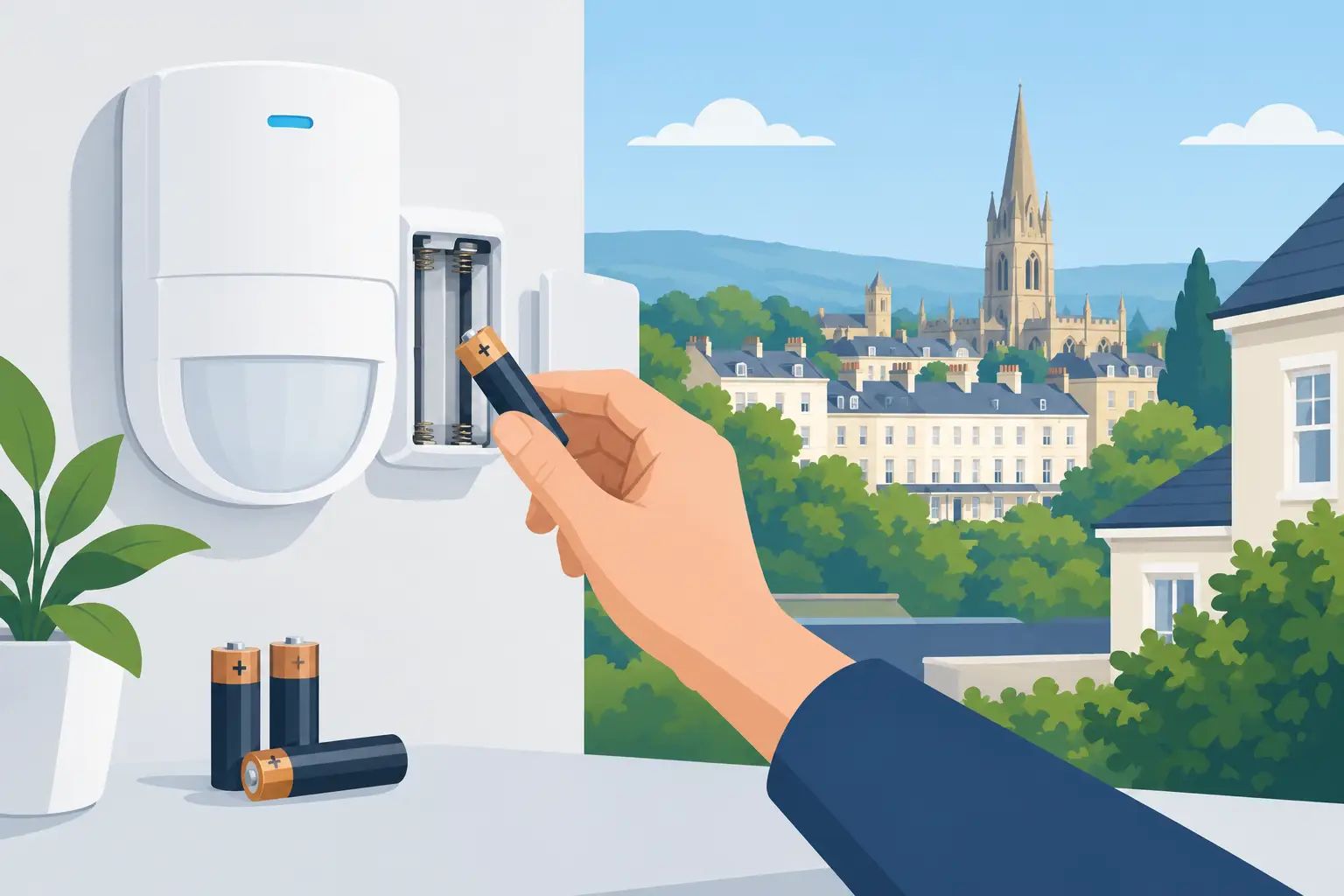
In some cases, yes. If you know the system make and model, have the correct replacement battery, and can put the system into the proper maintenance mode, changing the battery in a simple wireless detector can be straightforward. Follow the manufacturer’s instructions, keep the cover secure, and check that the low-battery warning clears after replacement.
There are situations where calling an alarm specialist is the better choice. This includes a panel backup battery, an external siren battery, repeated tamper alarms, devices that fail to reconnect, or a system that is monitored. It is also worth arranging support if several devices are reporting faults at the same time. Replacing batteries may solve the immediate alert, but a technician can also test wireless signal quality, detector coverage, tamper protection, and the alarm’s response to a power failure.
For landlords and property managers, professional servicing provides a useful record of the work completed. For businesses, it can minimize disruption and help ensure that alarm protection remains dependable outside operating hours.
A sensible battery replacement routine
Rather than waiting for an alarm to complain, build battery checks into regular security maintenance. Test the alarm periodically in line with its instructions, confirm that keypads and apps are receiving status updates, and make a note of any devices with lower battery readings. Check contacts on less-used doors and windows as well as the detectors people pass every day.
If you replace a battery, test the relevant device afterward. Open and close the protected door, walk-test the detector where appropriate, or confirm that the control panel recognizes the device. Then check the panel for any remaining faults. A new battery does not guarantee a resolved issue if the detector cover has not clicked into place or the wireless signal is weak.
It is also wise to consider the age of the overall alarm. A well-maintained wireless system can provide reliable protection for many years, but older equipment may have limited app support, unavailable parts, or reduced compatibility with newer security technology. In that case, an upgrade can offer more than new batteries – it can improve control, notifications, and protection across the property.
Local support for alarm battery and system faults
Whether you protect a family home in Cheltenham, a retail unit in Gloucester, or an industrial site elsewhere in Gloucestershire, an alarm fault deserves timely attention. JP Security can identify the cause of low-battery, communication, and tamper warnings, replace suitable batteries where needed, and assess whether the wider system is performing as it should.
Your security is there for the moment you need it, not just for the moment the keypad looks normal. If a warning has appeared, arranging a check now gives you confidence that every wireless device is ready to do its job.
