
 Blog
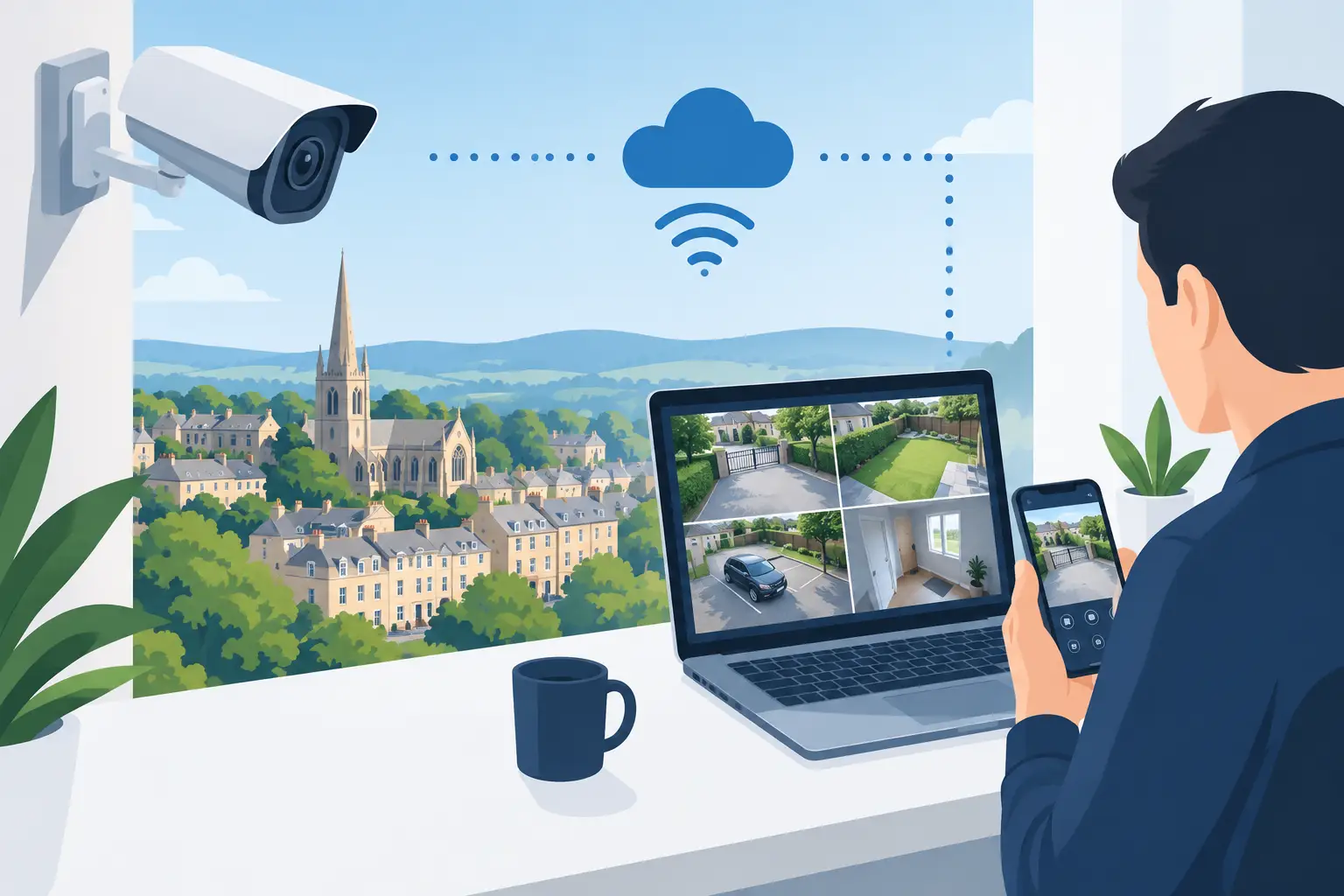
BlogA remote CCTV viewing setup Cheltenham property owners can rely on should do more than show a live camera feed. When a delivery arrives, a gate is left open, or an alarm is triggered after hours, you need clear images, reliable notifications, and secure access to the system from wherever you are.
For homes, this can mean checking who is at the front door while away or confirming that the family has arrived safely. For businesses, it can mean reviewing activity at a loading bay, car park, retail counter, warehouse, or entrance before a small issue becomes a larger loss. The right setup gives you practical visibility without creating extra work or compromising privacy.
What Remote CCTV Viewing Actually Involves
Remote viewing allows authorized users to access their CCTV system through a secure app or computer connection. The cameras record to a local network video recorder, usually called an NVR, or a digital video recorder where appropriate. That recorder connects to the property’s network and provides protected remote access.
A professionally designed system combines several elements: suitable cameras, recording capacity, dependable network equipment, secure user permissions, and app configuration. If one part is overlooked, remote viewing can become frustrating. A high-resolution camera is of little use if Wi-Fi is weak at the recorder, upload speed is inadequate, or the app has been left with a simple default password.
The goal is not to watch cameras constantly. It is to make useful footage and live images available when they matter, while ensuring the system records reliably even if your phone, tablet, or remote connection is unavailable.
Start With the Risks at Your Property
Camera placement should follow the way your property is used, not a standard package. A detached home in Cheltenham may need coverage of the front approach, driveway, rear garden, and side access. A landlord may be more concerned with shared entrances, bin stores, parking areas, and unauthorized access. A commercial site may require coverage of pedestrian entrances, stock areas, vehicle gates, staff-only doors, and points where goods change hands.
Before selecting equipment, consider what you need to identify. Seeing that someone crossed a yard is different from identifying a face at a doorway or reading a vehicle registration plate at a gate. Distance, lighting, camera angle, and lens choice all affect the result.
Night coverage deserves particular attention. Infrared cameras can provide useful black-and-white images in darkness, while color night vision may be beneficial where lighting conditions support it. In some locations, additional lighting or a different camera position will produce better evidence than simply choosing a higher specification camera.
A professional survey also considers blind spots, sun glare, reflections from windows, tree growth, and whether a camera is likely to be obstructed or tampered with. These details are where an installation becomes a security system rather than a collection of cameras.
Home and Business Systems Need Different Controls
Homeowners often want straightforward access for one or two adults, with a simple way to check live footage and play back an event. Businesses commonly need more control. A facilities manager may need access to all cameras, while a supervisor only needs a specific area. Reception staff might view an entrance but should not be able to delete recordings or alter system settings.
User accounts should be set up individually where possible. This creates clearer control when staff change roles or leave the business. It is safer than sharing one login across an organization, and it makes it easier to protect sensitive footage.
The Network Is Part of the Security System
Remote viewing depends on the network, but CCTV should not be treated like any other household or office device. The recorder, cameras, network switches, and internet connection must be planned together.
Wired camera connections are generally the most dependable option. Power over Ethernet, often known as PoE, lets a suitable network cable carry both power and data to each camera. This avoids relying on camera batteries and reduces the problems that can come with weak wireless signals. Wireless cameras can be useful in certain situations, especially where cabling is impractical, but they still require careful assessment of signal strength, power supply, and recording reliability.
Internet upload speed is another consideration. Remote viewing sends footage from the property to your device, so upload speed matters more than many people expect. A connection may be perfectly adequate for browsing or email but struggle when several users try to view high-definition live video. A correctly configured system can provide a lower-bandwidth remote stream while retaining higher-quality local recordings.
For larger sites, structured data cabling and managed network equipment can help separate security traffic from everyday business use. This supports more stable performance and makes future expansion easier, particularly when CCTV is integrated with access control, intercoms, alarms, or automated gates.
Secure Access Must Be Designed In
Convenience should never mean leaving a security system exposed. Remote CCTV access needs strong, unique passwords, current firmware, and carefully configured permissions. Default passwords should be removed during installation, and access should be reviewed whenever a phone is lost, a member of staff leaves, or a property changes hands.
It is also sensible to limit administrator access. Not everyone who needs to view a camera needs authority to change recording settings, add users, or alter network configuration. Where available, additional sign-in verification offers another layer of protection.
Avoid unknown third-party apps or informal workarounds that promise easy remote access. They can make support harder and may introduce unnecessary privacy or cybersecurity risks. Use the approved application for the installed system and ask your installer to explain exactly how access is managed.
Recording, Alerts, and Evidence
Remote viewing is only one part of CCTV. Recording settings determine whether footage is available after an event. The right retention period depends on the property, the number of cameras, image quality, activity levels, and the reason for monitoring. A busy retail site consumes storage much faster than a quiet residential driveway.
Motion alerts can be helpful, but excessive notifications quickly lead people to ignore them. Trees moving in the wind, passing traffic, pets, or a busy sidewalk can all trigger poorly configured cameras. Detection zones, sensitivity adjustments, and person or vehicle detection features can reduce unnecessary alerts where supported by the equipment.
For critical locations, consider how footage will be found and exported. A system should allow an authorized person to locate a time and camera quickly, then save relevant video in a usable format if an incident needs to be reported. Clear timestamps and sensible camera naming also make a real difference under pressure.
Privacy and Camera Positioning Matter
CCTV should protect your property without unnecessarily recording private areas. Cameras should be directed at your own entrance, boundary, access route, or operational area wherever possible. Avoid pointing into neighbors’ gardens, bedroom windows, or spaces where people reasonably expect privacy.
Businesses and landlords have additional responsibilities when monitoring staff, tenants, customers, or visitors. Signage, access to recordings, retention policies, and the purpose of monitoring should be considered carefully. A professional installer can help position cameras sensibly, but the property owner or operator should be clear about how footage will be used and who can see it.
Audio recording requires extra care. It is not automatically appropriate simply because a camera has a microphone. In many cases, video-only monitoring is the more proportionate and practical choice.
When an Upgrade Is Better Than a Full Replacement
An existing CCTV system may be capable of improvement without starting again. A recorder upgrade can add better remote access, more storage, or improved camera compatibility. Existing cabling may also be reusable if it is in good condition and suitable for the new equipment.
However, upgrades are not always the right answer. Older analog cameras, limited cabling, outdated recorders, or unsupported apps can restrict what is possible. If the system has regular faults, poor nighttime images, or no useful evidence after an incident, replacing key components may deliver better value than repeatedly repairing an aging setup.
JP Security assesses the property, the current equipment, and the level of protection required before recommending a tailored route forward. With 37 years of experience across residential, commercial, industrial, healthcare, and retail properties, the focus is on a system that works properly in daily use, not an off-the-shelf specification.
Make Remote Viewing Useful From Day One
Once the system is installed, test it from the locations where you are most likely to use it: on home Wi-Fi, mobile data, and from the office or while traveling. Make sure the right people can log in, understand live view versus playback, and know how to respond to an alert. Keep the recorder accessible for maintenance but out of obvious reach of an intruder.
Ask for a clear handover that covers user access, recording retention, app use, and what to do if the internet router is replaced. Regularly check that cameras are clean, views have not been blocked by vegetation, and the date and time are accurate. These small checks protect the value of the installation.
A well-planned remote CCTV system gives you more than a picture on a phone. It gives you a clearer view of what is happening at the property, the confidence to act when it matters, and the reassurance that your security is being looked after even when you are not there.
