
 Blog
BlogA camera can capture a clear image, an access control reader can recognize the right credential, and an alarm can send an alert in seconds – but only if the connection behind the system is dependable. Data cabling is the physical network infrastructure that carries information and, in many cases, power between your equipment. When it is planned and installed correctly, it helps security systems perform as intended when you need them most.
For homeowners, that may mean reliable video at the front gate and fast remote viewing from a phone. For a business, it can mean stable coverage across CCTV cameras, door access, intercoms, office networks, and connected equipment. The cables may sit behind walls, above ceilings, or inside containment, but their quality affects everyday security, communication, and operations.
What data cabling does for your property
Structured cabling is an organized network of permanently installed cables, outlets, patch panels, cabinets, and related hardware. Rather than adding a separate improvised connection every time equipment changes, it provides a planned foundation for present and future technology.
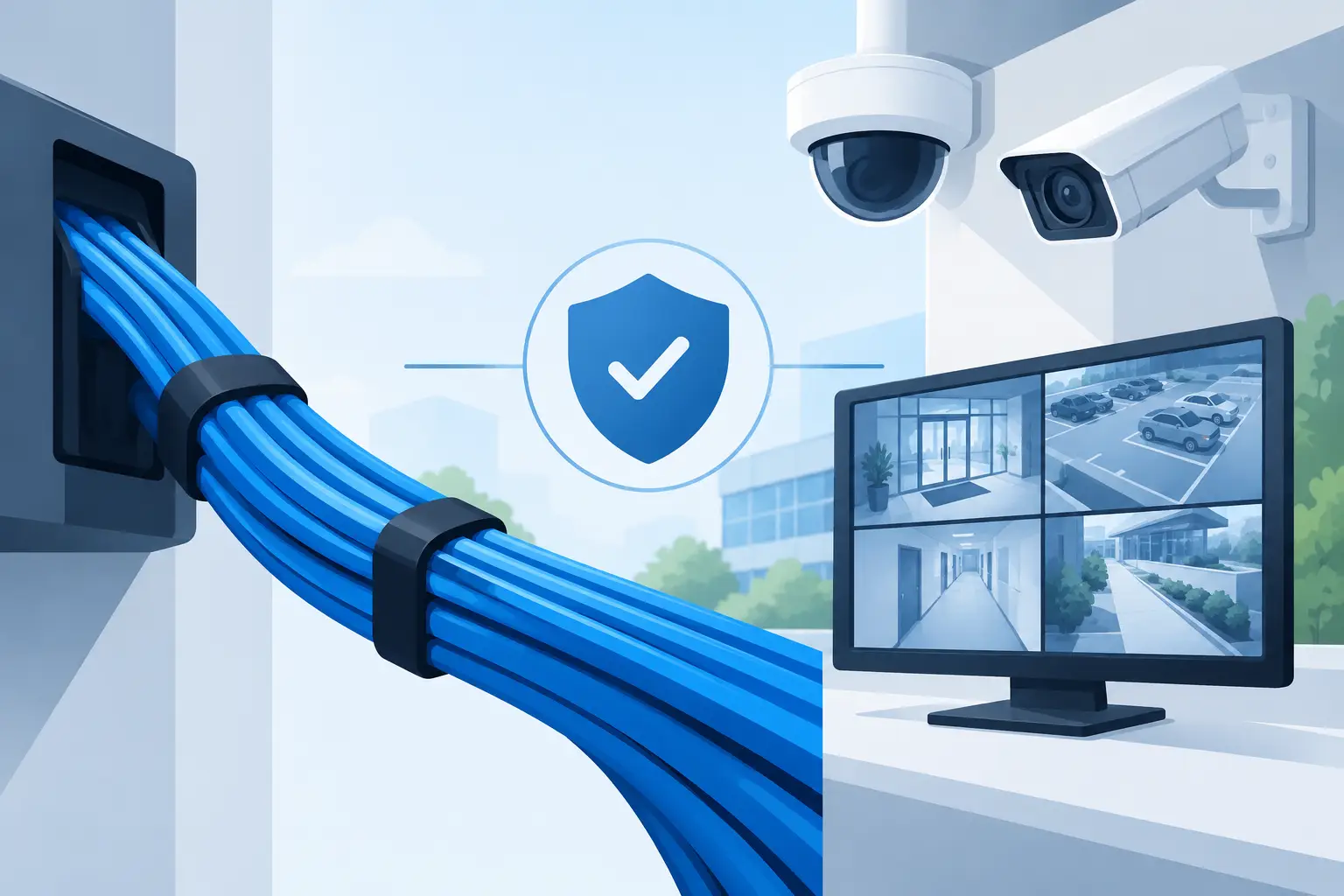
In a security installation, Ethernet cabling commonly connects IP cameras, network video recorders, access control panels, video intercoms, wireless access points, and network switches. Many devices can also receive power through the same cable using Power over Ethernet, often called PoE. This can reduce the need for a separate local power outlet at every camera or reader location.
That simplicity should not be confused with a one-size-fits-all approach. A single camera near a front door has different demands from a warehouse with dozens of cameras, electrically operated gates, staff entry points, and a remote office network. The right design starts with how the site is used, where risks exist, and what equipment must communicate without interruption.
Why wireless is not always the answer
Wireless technology is useful, particularly where running cable would cause disruption or where a temporary connection is required. Modern wireless alarms and some cameras can be very effective when specified correctly. However, Wi-Fi depends on radio coverage, network capacity, building materials, and the number of devices competing for bandwidth.
A wired connection usually offers greater consistency for fixed, high-priority equipment. Thick masonry walls, metal cladding, industrial machinery, storage racking, and neighboring networks can all affect wireless performance. Video cameras are especially demanding because they continually transmit data, and higher-resolution footage requires more bandwidth.
The practical answer is often a mixture of both. Hardwire critical cameras, access-controlled doors, network cabinets, and fixed intercoms where possible. Use wireless where it genuinely solves an access or installation challenge. A professional survey identifies those decisions before equipment is selected, rather than after a weak signal becomes a daily frustration.
Choosing the right cable and capacity
Category 6, commonly known as Cat6, is a common choice for modern security and network installations. It supports fast data transmission over standard cable runs and is suitable for many IP cameras, access control devices, and office connections. Cat6A may be appropriate where higher bandwidth, added headroom, or longer-term network planning is required.
The cable type is only one part of the decision. The route, environment, termination quality, and distance all matter. External runs may need weather-resistant cable and suitable protection. Areas exposed to possible damage, such as loading bays, plant rooms, or parking facilities, may need conduit, trunking, armored protection, or a different route altogether.
For larger sites, fiber optic cabling can be the better option between buildings or across long distances. Copper Ethernet cable has distance limits, while fiber can carry data much farther and is not affected by electrical interference in the same way. It requires different equipment and specialist termination, so it is not automatically necessary, but it is often worth considering for industrial premises, campuses, and detached buildings.
Planning capacity is equally important. A network that only meets today’s exact requirement can become restrictive when you add more cameras, introduce door access, expand into another office, or upgrade to higher-resolution video. Installing sensible spare capacity during building work can be more cost-effective than reopening finished walls or ceilings later.
Cabling decisions that affect security performance
Poor installation practices can create problems that look like equipment faults. Intermittent video, cameras dropping offline, slow remote viewing, unreliable door releases, and unexplained network issues may all trace back to damaged cable, poor terminations, overloaded switches, or unsuitable routes.
Security cable should be separated appropriately from high-voltage electrical services to reduce interference and maintain safe installation standards. Cables need support rather than being loosely laid over ceiling tiles. They should be protected from sharp edges, heat sources, moisture, pests, and accidental damage. Each run should also be clearly labeled at both ends.
Labeling may seem minor during installation, but it makes a major difference when a camera needs servicing or a business needs to trace a connection quickly. An organized cabinet with labeled patch panels and equipment reduces downtime and gives future technicians a clear starting point. It is part of building a system that can be maintained rather than merely installed.
Power over Ethernet needs careful planning
PoE makes installation cleaner, but the network switch must have enough power available for every connected device. A basic calculation should allow for the maximum demand of cameras with infrared lighting, motorized lenses, heaters, or other features that use more power under certain conditions.
There is also a resilience question. If a switch powers several cameras and loses power, all of those cameras may go offline together. A correctly sized uninterruptible power supply can maintain essential equipment during short power interruptions. The level of backup required depends on the property, the security risk, and how long continuity is needed.
Network security matters too
Physical cabling is not separate from cybersecurity. Cameras, intercoms, and access control systems connected to a network should be configured with secure credentials, appropriate permissions, and a sensible network layout. On commercial sites, security devices may be placed on a separate network segment from everyday staff devices to improve control and reduce risk.
This does not need to make the system difficult to use. It means the installer and property owner should know who can access the system, how remote viewing is managed, and how equipment will be supported as the network changes.
A practical installation process
A dependable installation begins with a site survey. The installer should assess entry points, camera positions, network cabinet locations, cable routes, Wi-Fi limitations, power availability, and any building restrictions. For a homeowner, this could include discreet routes through loft spaces or exterior walls. For a commercial property, it may involve ceiling voids, risers, outbuildings, fire separation requirements, and operating hours that limit when work can be completed.
The next step is a proposal that explains what will be installed and why. It should identify the key equipment, cable routes, recording or network location, and any work needed to protect cables. If there are trade-offs, they should be clear. A hidden cable route may be more visually attractive but require more installation time. A direct external route may be simpler but need stronger physical protection.
During installation, each cable run should be terminated correctly, tested, and documented. Testing confirms that the cable can carry the required connection reliably, rather than simply showing that a device happens to work at that moment. Once cameras, access control, or intercoms are connected, the full system should be commissioned and demonstrated to the user.
When should you upgrade existing cabling?
An upgrade is worth considering when you are replacing older analog CCTV with IP cameras, adding several networked devices, experiencing repeated connection faults, renovating a property, or extending into a new area. It may also be needed if your current cabling is undocumented, damaged, exposed, or no longer provides enough capacity.
Not every older installation needs to be removed. A site assessment can establish whether existing routes, containment, cabinets, or cable runs can be reused safely. This is where experience matters: reusing suitable infrastructure can control costs, while retaining unsuitable cabling can undermine the performance of otherwise high-quality security equipment.
For properties across Cheltenham, Gloucester, and the wider Gloucestershire area, JP Security can assess the full picture – not just the cable itself, but the CCTV, access control, gates, intercoms, alarms, and network equipment that depend on it. A well-planned cable installation gives you a cleaner system today and more confident options when your security needs change tomorrow.
The best time to think about cabling is before a fault, extension, or security upgrade forces the issue. Speak to an expert early, and the connections behind your security can become one less thing you need to worry about.
