
 Blog
BlogA camera that records an intruder after they have entered is useful. A camera that works alongside an alarm, controlled entry, and automated gates can help prevent that entry in the first place. That is the real value of integrated security system design: each part of your protection works toward the same outcome rather than operating as a collection of separate devices.
For a homeowner, that may mean seeing who is at the gate, opening it from an approved device, and receiving an alert if someone tries to enter without permission. For a business, it can mean restricting staff access by area, monitoring delivery points, recording activity around vehicles, and responding quickly when an alarm is activated. The right approach depends on the property, the risks, and how people use the site every day.
What Integrated Security System Design Means
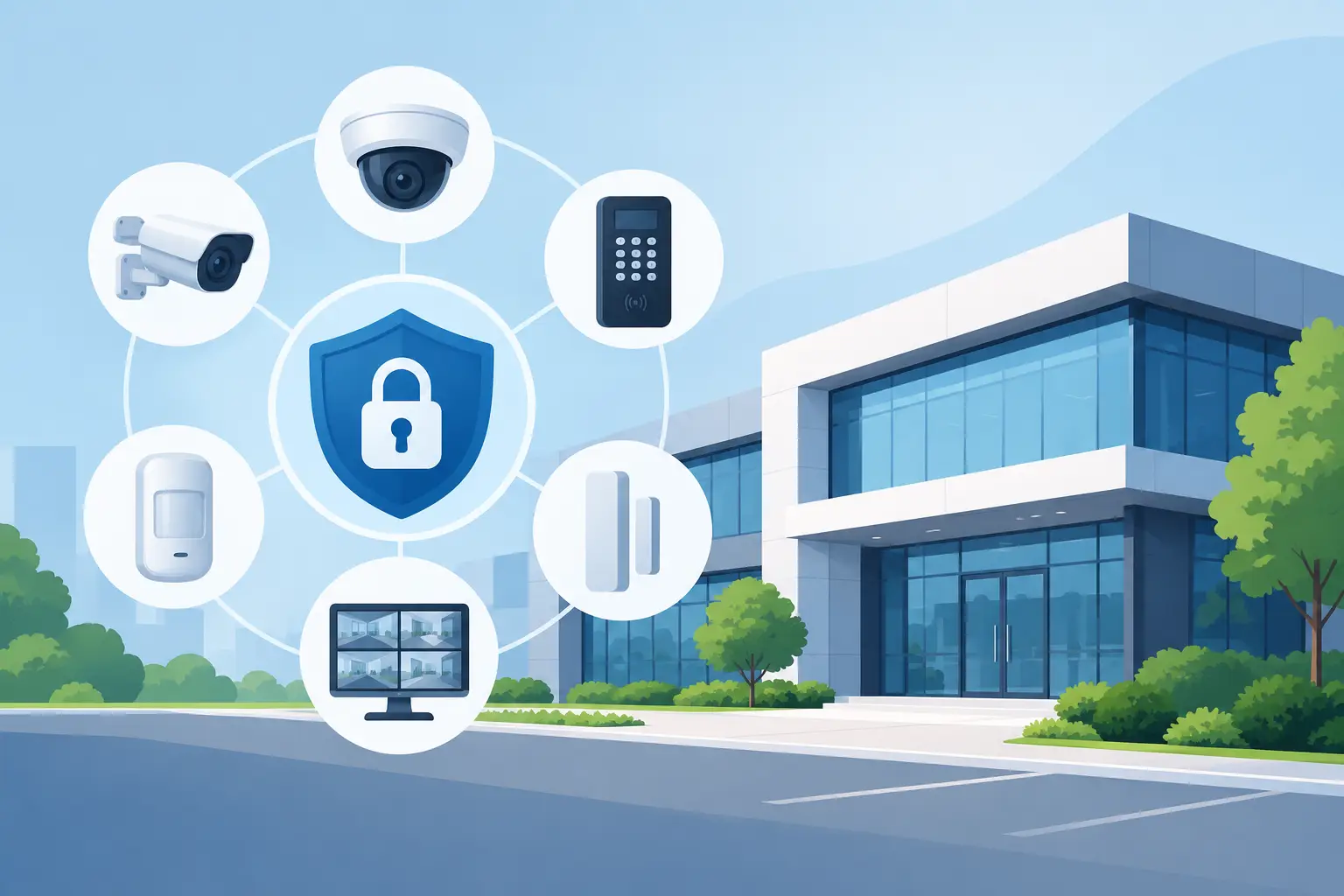
An integrated system brings security, access, and communications equipment together in a planned way. CCTV, burglar alarms, wireless alarms, video intercoms, gate automation, access control, barriers, and network cabling are selected and installed so they support one another.
Integration does not always mean every device is controlled from one screen. In some properties, that is practical and desirable. In others, the priority is simply making sure systems are compatible, correctly positioned, professionally wired, and easy for the people responsible for them to operate. A small home does not need the same level of control as a hospital, warehouse, retail site, or managed parking area.
The design stage matters because it identifies where protection will make the greatest difference. A security system should address real points of vulnerability – such as an unobserved side entrance, a rear loading door, an exposed driveway, or a gate that is left open during busy periods – rather than adding equipment for its own sake.
Start With How the Property Is Used
The best security design begins with a site assessment, not a product catalog. Consider who enters the property, when they enter, which areas need to remain private, and what happens outside normal hours. These answers shape the system more effectively than choosing cameras or alarms based only on price.
At a residence, the focus may be family safety, remote visibility, secure deliveries, and convenient access for visitors. A video intercom at the entrance and a properly automated gate can provide reassurance without making daily arrivals more difficult. CCTV coverage should include the approaches to the home, not just a wide view of the garden that provides little useful detail.
For commercial premises, the questions are broader. Employees may need access to offices but not stockrooms or server areas. Contractors may need temporary entry. Delivery drivers may need to reach a designated point without being able to enter the full site. A Paxton access control system, for example, can give authorized people the access they need while keeping a clear record of entry activity.
Industrial and retail properties often benefit from closer attention to vehicle movements, perimeter protection, loading areas, and cash or high-value stock locations. Healthcare environments add another layer: staff and patients need safe, practical movement through the building, while sensitive rooms and restricted zones require stronger control.
Design Around Risk, Not Assumptions
A common mistake is treating every door, camera position, or access point as equally important. They are not. A main entrance visible from reception has a different risk level than a secluded rear gate or a door leading from a public area into private offices.
A professional assessment considers lighting, sightlines, available power, network coverage, existing equipment, and the routes people naturally take. It also considers what could change. A business expecting more staff, additional tenants, or extended operating hours should avoid a system that reaches its limit on day one.
Make Each System Support the Next
CCTV is most effective when it answers a clear question: who approached, what happened, and where did they go next? This requires more than fitting cameras at random. Camera placement, lens selection, image quality, lighting, recording capacity, and network reliability all affect whether footage is useful when it matters.
Alarm systems add immediate notification and deterrence. Door contacts, motion detectors, perimeter devices, and external sounders can be chosen according to the layout and the level of risk. Wireless alarms can be an excellent choice where running new cable would disrupt a finished property, while wired solutions may suit larger sites or major refurbishment projects. Neither is automatically better. The right choice depends on building construction, future expansion, and the condition of the existing infrastructure.
Access control manages who can pass through a door, gate, or barrier. It is especially valuable where keys have become difficult to track or where different people require different permissions. Instead of changing locks after a lost key or staff departure, credentials can be updated or removed. This offers better control, but it must be planned carefully so authorized people can still move safely during an emergency.
Intercoms and gate automation bring communication and entry control together. A resident can verify a visitor before granting access. A facilities manager can manage arrivals at a controlled entrance. For larger sites, car park barriers can help separate authorized vehicles from general traffic and protect limited parking spaces.
Behind all of this, structured data cabling and dependable network infrastructure are often the quiet foundation of the system. Poor connectivity can lead to dropped camera feeds, delayed alerts, and unreliable remote access. Installing the visible equipment without addressing the network can create frustrating weaknesses later.
Plan for Daily Use, Not Just an Incident
The strongest system is one people understand and use consistently. If staff find access control complicated, they may prop open a door. If a homeowner receives constant unnecessary notifications, alerts will soon be ignored. If footage is difficult to retrieve, a camera system may fail to help when evidence is needed.
This is why usability belongs in the design conversation. Alert settings should focus on events that require attention. Access permissions should be straightforward to administer. Control equipment should be placed where it is convenient and protected from damage. Staff or household members should know the simple actions expected of them, including how to arm and disarm an alarm, respond to an intercom call, and report a fault.
Privacy also needs consideration, particularly where cameras cover shared areas, employee spaces, customer-facing locations, or neighboring boundaries. Camera views should be purposeful. Recording access should be limited to the appropriate people, and retention settings should reflect the needs of the property and applicable requirements.
Integrate Existing Equipment Where It Makes Sense
Many properties already have an alarm panel, cameras, gates, or an intercom system in place. Replacement is not always necessary. A careful review may show that a sound existing system can be repaired, upgraded, or extended, saving unnecessary cost while improving protection.
There are limits, however. Older equipment may not support the functions, reliability, or security controls required for a modern installation. It may also be difficult to obtain parts or integrate safely with newer technology. In those cases, retaining outdated equipment can become more expensive than planning a phased replacement.
An experienced installer should explain the options clearly: what can be retained, what should be upgraded first, and which improvements will provide the greatest immediate benefit. JP Security applies this practical approach across properties in Cheltenham, Gloucester, Tewkesbury, and the wider Gloucestershire area, whether the requirement is a new installation or a repair to established equipment.
Allow for Maintenance and Future Changes
Security equipment is not a fit-and-forget purchase. Cameras can become obscured, gate mechanisms need adjustment, alarm batteries reach the end of their service life, and access permissions change as occupants or staff change. Regular maintenance helps identify issues before they become a security gap.
Future planning matters just as much. Leave capacity for additional cameras, users, doors, or access points where possible. Document cable routes and equipment locations. Choose technology that can be supported by experienced technicians and is appropriate for the scale of the property. Recognized manufacturers can offer dependable options, but the design and installation quality remain just as important as the name on the equipment.
A well-designed integrated system should make a property easier to manage, not more complicated. Start with the risks you want to reduce and the routines you want to protect, then ask an expert to turn those needs into a clear, practical plan. Your security is there to support everyday life and business operations long before it is ever needed in an emergency.
